
Table of Contents
“Deep research” AI models now enables you to plan multi-step searches for almost 1 hour and get in return very detailed reports.
But which one generates the best output overall ?
In this guide, you’re going to see a practical comparison of the four tools leading the deep-research category.
1. Gemini Deep Research
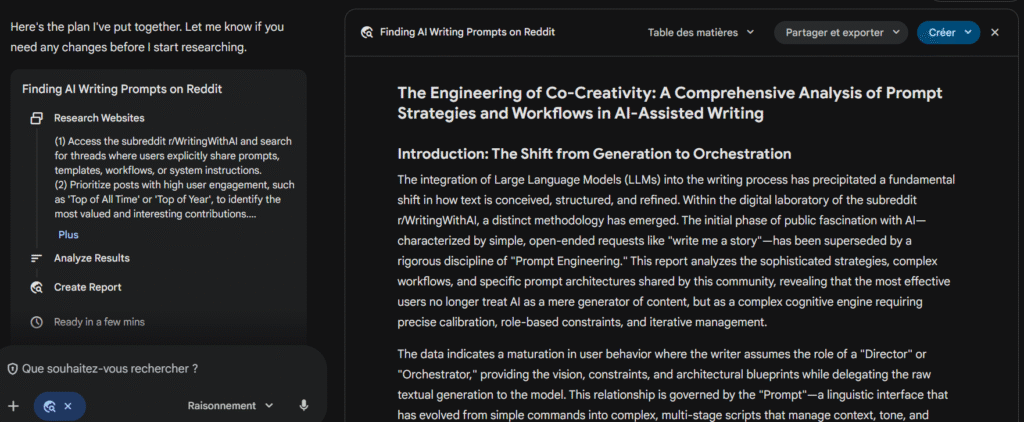
Gemini Deep Research is Google’s research agent built on top of the Gemini app. You give it a complex question, and it goes off to do the legwork for you: planning the research, exploring the web, and—if you allow it—pulling in context from Gmail, Docs, Drive, and Chat. It then returns a multi-page research report.
AI Model
Under the hood, Gemini Deep Research runs on Google’s latest Gemini “thinking” models, including Gemini 2.5 for higher-end reasoning and earlier generations.
- Long-horizon planning
Deep Research tasks can run for several minutes and involve many internal model calls. Google built a special asynchronous task manager so the agent can recover from partial errors without starting over. - Multi-step reasoning
The “Thinking” models are tuned to pause and plan before acting, which is exactly what you need for multi-stage research rather than one-shot answers. - Workspace awareness (with clear boundaries)
When you enable it, Deep Research can read specific Workspace content to personalize reports.
At the same time, Google has publicly reiterated that Gmail content isn’t used to train Gemini models themselves, which matters for privacy-sensitive clients.
Report quality
Typical output you can expect:
- Multi-page reports
- Clear sections (overview, key questions, trends, players, opportunities, risks).
- Layered detail: short summary at the top, then deeper dives.
- Optional audio overview if you want to “listen” through the findings.
- Source blend: web + your docs
- Uses Google Search as a default source for fresh web information.
- When you allow it, it can weave in relevant snippets from Gmail, Docs, Drive, and Chat, so reports can quote your own assets back to you.
- Transparent reasoning
- Shows intermediate steps and reasoning as it iterates, which helps you understand how it reached a conclusion instead of just seeing the final text.
Where you still need to be careful:
- Some Workspace content may be out of date; Deep Research has no idea which metric is the “single source of truth” for your team.
- Legal, compliance, or region-specific topics still require a human SME to sign off.
- Just like any LLM, it can over-generalize or miss important edge cases.
Pricing
Gemini Deep Research sits on top of Gemini’s broader pricing, which depends on whether you use a personal Google account or Workspace.
For individual users:
- Free Gemini – $0, with basic usage limits in the Gemini app and access to Deep Research in a constrained way.
- Gemini Advanced – around $20/month for access to more capable models and higher limits.
- Google AI Pro – around the same price band (roughly $20/month in most regions) with added storage and Gemini in Gmail, Docs, and Chrome.
- Google AI Ultra / Ultra2 – about $249.99/month, positioned as a premium plan with the highest limits and access to the most advanced models and tools (Gemini 3, Deep Think, advanced video and automation features).
For Google Workspace customers:
- Gemini capabilities (including Deep Research) are being bundled into Workspace plans and legacy Gemini add-ons, historically priced around $20–$30 per user/month depending on tier and region.
2. ChatGPT Deep Research

ChatGPT Deep Research is an agent inside ChatGPT that does the heavy research work for you. Instead of giving you a single quick answer, it plans a multi-step research process, browses the web, reads documents, and then comes back with a structured, cited report.
AI Model
Deep Research is powered by a specialized version of OpenAI’s reasoning model, tuned specifically for deep web research and analysis.
What that means in practice for you:
- It’s built to handle complex, multi-step questions rather than simple Q&A.
- It can interpret and analyze not only web pages but also text, images, and PDFs.
- It can use connected apps (like Google Drive or GitHub) as extra data sources when you allow it.
On lower-cost runs and on the free plan, a “lightweight” model (currently based on o4-mini) handles Deep Research tasks more cheaply and quickly, but with slightly less depth.
You don’t need to pick the model manually. ChatGPT routes Deep Research tasks to the right engine based on your plan and allowance.
Report quality
- Structured outputs
- Clear sections (overview, key trends, challenges, opportunities, players, risks…).
- Bullet-point summaries and “key takeaways” you can lift directly into briefs.
- Good citation behavior
- Links embedded throughout the report so you can verify any claim.
- Mix of primary sources (reports, documentation) and media coverage.
- Solid reasoning across many sources
- It doesn’t just quote pages; it compares them and tries to resolve conflicts.
However, you should still plan for a human review layer:
- Some stats may be slightly outdated, especially in fast-moving niches.
- Nuanced regional or legal details can be oversimplified.
- It can overstate certainty when sources disagree.
Pricing
Pricing for Deep Research is tied to ChatGPT plans plus separate usage limits for the feature itself.
Base subscription (monthly, typical public prices)
- Free – $0
- Plus – around $20 / month
- Team – around $25 per user / month (billed annually)
- Pro – around $200 / month
- Business & Enterprise – custom pricing
Deep Research allowances:
- Free
- ~5 Deep Research tasks every 30 days
- All handled by the lightweight model
- Plus, Team, Enterprise
- 25 “full” Deep Research tasks every 30 days
- Pro
- Much higher quota (roughly 125 full + 125 lightweight tasks per 30 days)
3. Grok Deep Research
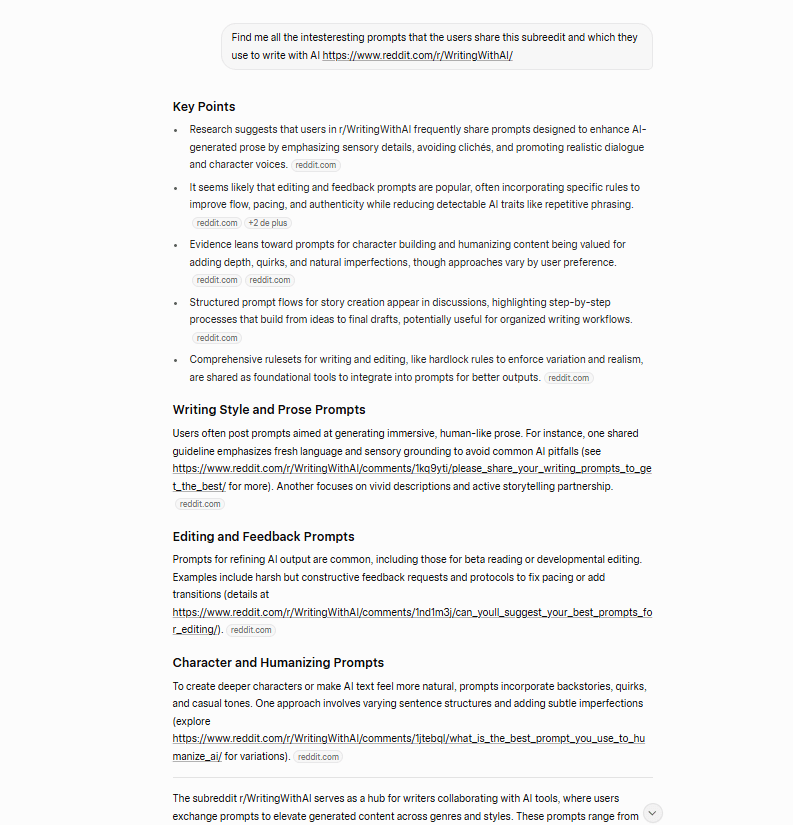
Grok is xAI’s chatbot that leans heavily on real-time data from X (formerly Twitter), the wider web, and news sources. For “deep research”, it uses Deep Search and DeeperSearch modes that act like long-running search agents: they go out, gather information from multiple sources, then come back with a synthesized answer.
AI Model
Current Grok capabilities are powered by xAI’s flagship Grok 4.x family, including Grok 4 and Grok 4.1, which come in both “thinking” and fast variants.
Key points that matter for you:
- Reasoning focus
- Grok 4 and later models were trained with roughly 10x more compute than earlier generations and are positioned as strong reasoning models, with “Think” and “Big Brain” modes for harder tasks.
- Agentic search
- Grok 4’s API can call a live search layer that pulls from X, the web, and news sources, and Grok 4.1 Fast is tuned specifically for tool-calling and agent workflows with a 2-million-token context window.
- DeeperSearch for extended digging
- xAI introduced Deep Search (standard multi-minute search) and DeeperSearch, which extends the search time, number of sources, and reasoning steps—similar to the way ChatGPT Deep Research or Perplexity Deep Research operates.
Report quality
Grok’s “deep research” outputs feel different from classic desk-research reports. You’ll typically see:
- Search-style answers rather than long PDFs
- Deep Search / DeeperSearch answers tend to be a few rich paragraphs with bullet points and multiple citations, not 10-page white-paper drafts.
- Strong real-time flavor
- Because Grok leans on X, it picks up ongoing debates, memes, and controversies quickly. That’s great for reactive content and social copy, less ideal for neutral, timeless explainers.
From a quality perspective, :
- Strengths for research
- Great at summarizing current conversations and pulling in fresh examples from news and social.
- Helpful for identifying hooks, angles, and objections straight from the audience’s mouth.
- Useful for building “what people are saying right now” sections in trend reports or thought-leadership pieces.
- Serious safety and accuracy concerns
- Grok has been under investigation for generating antisemitic and Holocaust-denial content, including praise for Hitler and false claims about Auschwitz.
Pricing
Grok’s pricing is a bit fragmented because you can access it through:
- X Premium subscriptions
- Standalone SuperGrok plans
- The xAI API
According to recent breakdowns of xAI’s consumer pricing:
- On X (United States web pricing, 2025)
- Basic – about $3/month: limited Grok access with tighter rate caps.
- Premium – about $8/month: more Grok prompts and higher priority.
- Premium+ – about $40/month or $395/year: priority access to the latest Grok models (including Grok-4), higher throughput, and ad-free X. D
- Standalone (SuperGrok)
- SuperGrok – around $30/month or $300/year, focused on full Grok-4 access via grok.com, with higher limits and earlier features than X Premium alone.
- SuperGrok Heavy – about $300/month, aimed at heavy professional and developer use with “Grok-4 Heavy” and long, compute-intensive sessions.
- Developer API
- Grok-4 via API is typically priced around $3 per million input tokens and $15 per million output tokens, with cheaper fast variants and a separate Live Search fee (around $25 per 1,000 external sources fetched).
4. Perplexity Deep Research
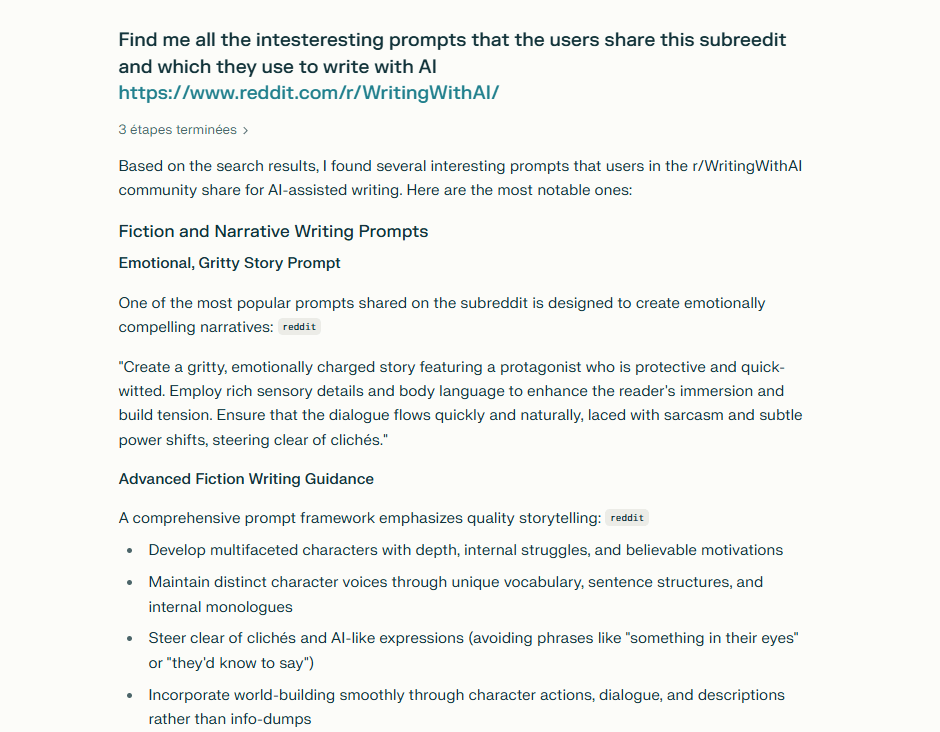
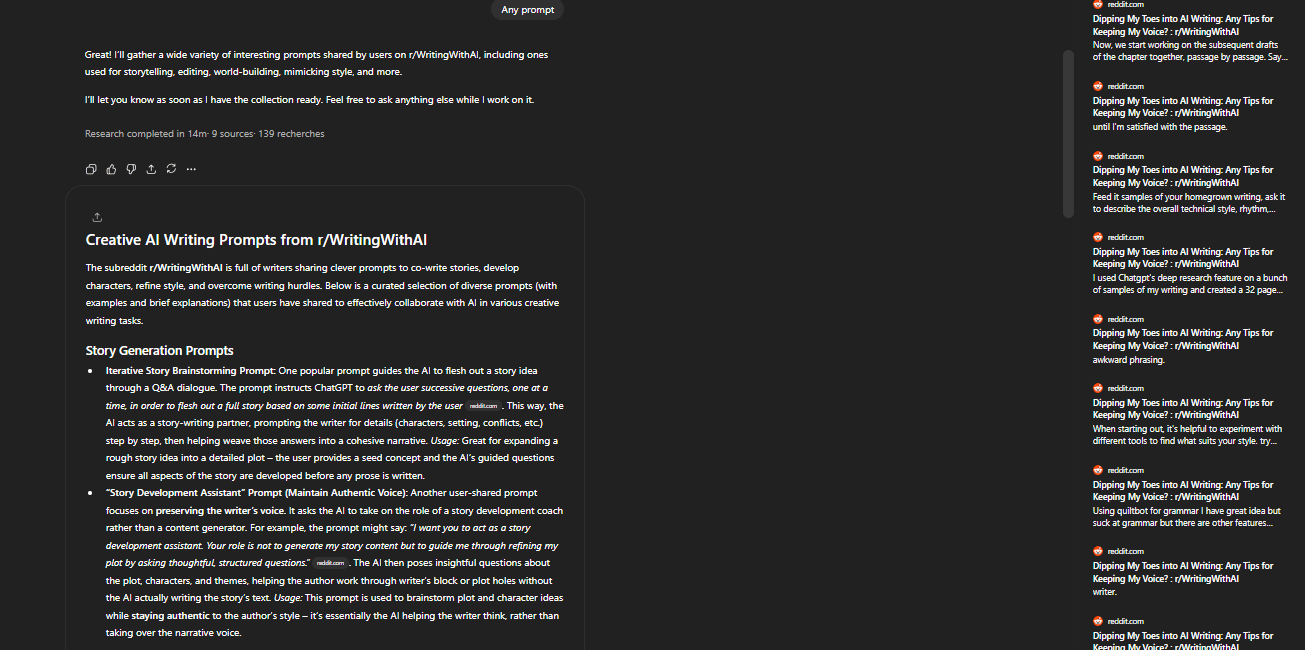
Perplexity started as an “AI answer engine”, but Deep Research turns it into something closer to a digital research assistant. Instead of giving you a quick, search-style reply, it spends 2–4 minutes running dozens of searches, reading hundreds of sources, and then building a structured report for you.
AI Model
Under the hood, Perplexity doesn’t rely on a single model. It orchestrates multiple engines and wraps them inside its search and research modes.
As of late 2025:
- The default Sonar models (used in Pro Search / Search mode) are built on Llama 3.x 70B and fine-tuned for factual web search and summarization.
- Perplexity also exposes frontier models such as GPT-5.x, Claude, Gemini, and others on Pro / Max plans, especially for “advanced reasoning” toggles.
- Deep Research itself sits in the Research tier of the product and combines retrieval + reasoning, rather than being “just another chat model”.
You don’t have to pick models manually to benefit from Deep Research. You pick the mode (Research / Deep Research), and Perplexity chooses an internal stack that balances:
- Web coverage
- Reasoning quality
- Latency (hence the 2–4 minute window)
Report quality
In real use, you’ll see:
- Evidence-backed answers
- Multi-pass retrieval and cross-source synthesis, rather than a single-pass summary.
- Frequent citations to official, academic, and government sources when they exist, not just blogs.
- Readable structure
- Sections like “Overview”, “Key Trends”, “Challenges”, “Vendors”, “Recommendations”.
- Clear bullet-point takeaways at the top (perfect for content briefs).
- Transparency by default
- You always see where information comes from and can expand the source list or open pages directly.
From my own experience, it’s the least detailed reports compared to the other tools.
Pricing
For individuals (as of late 2025):
- Standard / Free
- Cost: $0
- Unlimited quick/basic searches.
- A small daily quota of Deep Research / Pro searches (commonly reported as around 5 per day).
- Pro
- Cost: ~$20/month per seat.
- Unlocks Deep Research as a daily workhorse, with reported limits around 500 Deep Research queries per day on web plans.
- Access to more advanced models, better file handling, Labs, and (often) Comet+ perks.
- For most solo content marketers or small teams, this tier is the sweet spot.
- Max
- Cost: $200/month (or ~$2,000/year).
- Designed for power users who want virtually no practical caps on Research, Pro Search, and advanced models inside the web app.
- Includes priority access to new features (like Labs, advanced video, the Email Assistant) and deep integration with the Comet AI browser.

Free Prompts and Ebook to Humanize Your Text
Download Now
Buchert Jean-marc
Confirmed AI content process expert. Through his methods, he has helped his clients generate LLM-based content that fit their editorial standards and audiences expectations.
All Posts